Glamourer Basics
Time to get fancy.
Designs
Bring up the Glamourer window by typing /glamourer in chat, and switch to the Designs tab.
"Designs" in Glamourer are pre-made outfits that can be applied to your character. The easiest way to do this is to use Penumbra to apply the pieces you want, and then save them in Glamourer. We'll start by making a design using the add button in the bottom right.
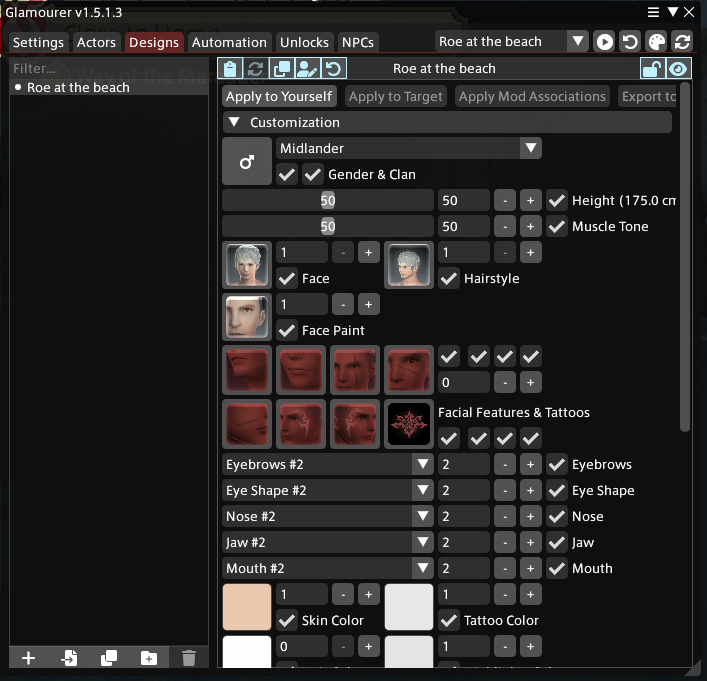
We can see here that when we open the customisation tab, it's not right at all - it shows a Completely Average Man, not our Roe gal. This is fine - in the blue buttons at the top, click the little person with a pencil.
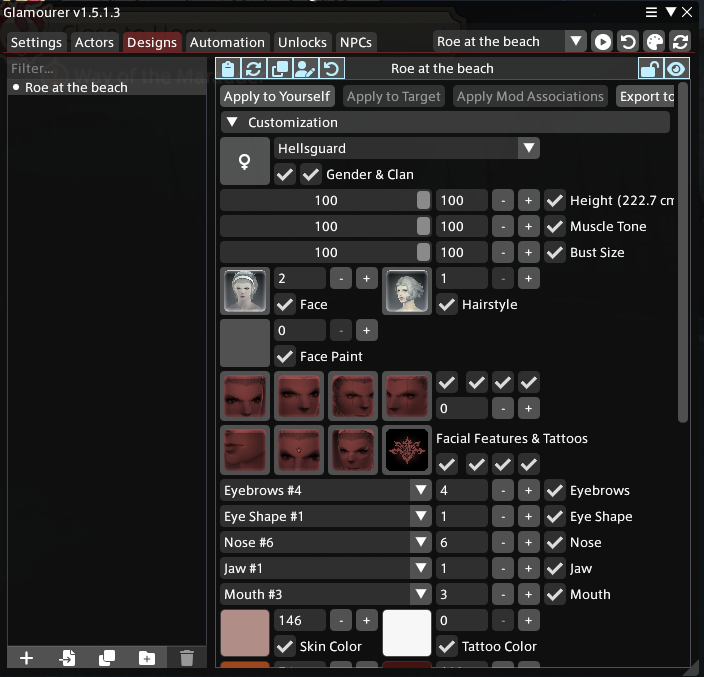
This overwrites the default state with your current design. Scroll down a little to Equipment and expand it.
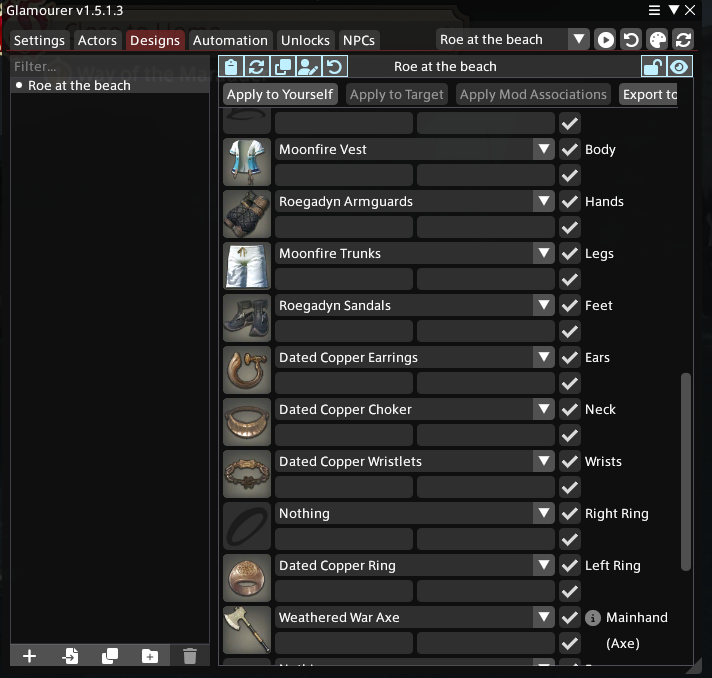
We can see that Glamourer has adjusted the equipment loadout to show the replaced items - even though we don't actually have them equipped in game. Anyone unsynced will see our Roe's default starter outfit still.
Direct your attention to the top again - there's a button labelled "Apply to Yourself". When you come back another day, your glam won't be applied, and will be reverted to "the game state" - the items that the XIV server says you have equipped. This button will automatically apply the loadout you set to your character, letting you quickly get back into the thick of things.
You'll have seen how powerful Glamourer is just from the options in the screenshots - changing your apparent race, your outfit, even dying clothes - a more advanced guide on using Glamourer will be available soon.